Intro VMware Explore Singapore has ended, and while I’m on the plane typing, I can look back to an awesome 4 days. Since recently, I’m finally getting back into my Blogging & GTD mode again. Life has been, well, chaotic for me this last year. Changing continents can bring quite some disturbance into your (family) …read more →

Intro The second day of VMware Explore Singapore has passed, and what a blast it was. For me it was also a different type of day then the first day. The first day of VMware Explore I went into a lot of different sessions and participated in a lot of challenges and labs. Today however, …read more →

Intro VMware Explore Singapore Day 1 has just ended and wow. I’m so grateful to be here again. Having joined VMworld Barcelona several times in the past, I was happy to finally being able attend the event again, only this time in a different place. Being hyped up about all the news from Barcelona, I …read more →
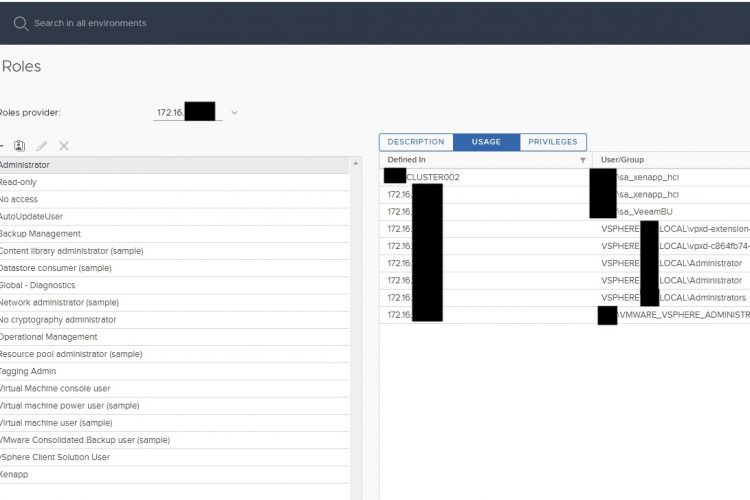
Intro For one of my customers I looked at a content library (permissions) problem which they have been dealing with for some time. The problem that the customer had was that the vCenter reported that the account(s) had not enough rights to deploy in the resource, whenever a template was chosen in the content library. …read more →
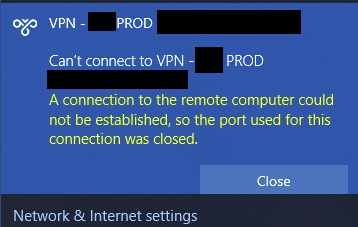
Intro So almost after a year, I finally updated my macbook pro to Big Sur. I came from Catalina and was postponing this upgrade for some time. For my work, I often do upgrades and updates for customers within Windows & VMware. However, coming to my own personal life, and I’m actually not that fond …read more →
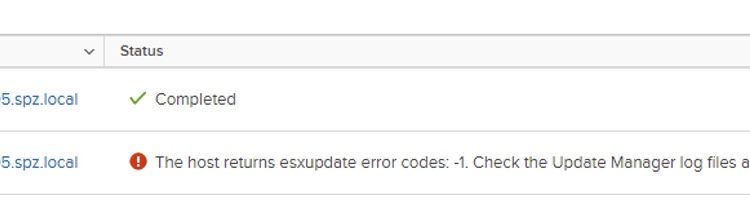
Intro So this is going to be a quick blogpost. I often find myself in the situation that I need to update something within VMware. VMware Update Manager (VUM) of course seems to be the best solution for this. However, often I found myself also in the situation that VUM just doesn’t work and for …read more →
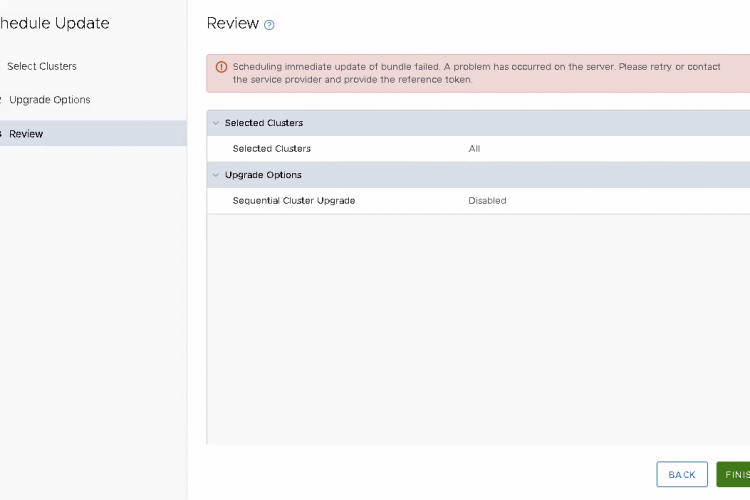
I had a weird problem, where my SDDC-Manager of my VCF environment didn’t want to start any update. I had this in 2 different scenario’s. In one case I had a failed ESXi upgrade according to the SDDC-Manager. Checking it later on, the upgrade was fine, but the SDDC-Manager still marked the host in an …read more →
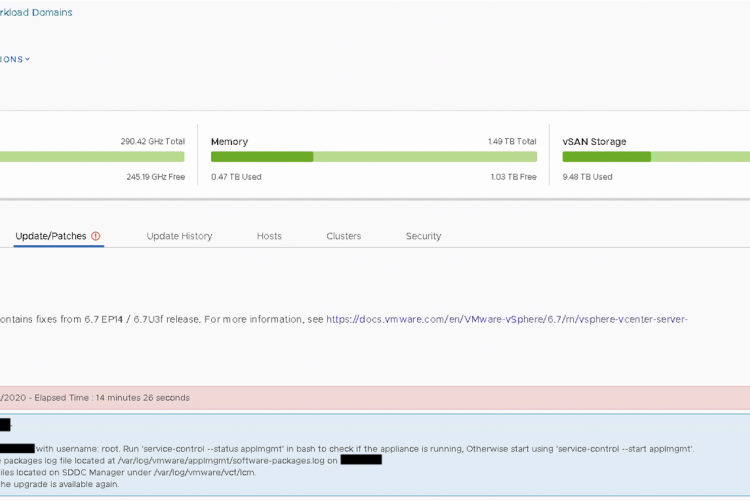
Intro During the upgrade of the vCenters of one of my customers, I stumbled several times upon the issue down below. It suggest to check the logs, and to check if the ‘service-control –start applmgmt is running. On both machines the service applmgmt is running. I also checked if SSH was on, which was the …read more →
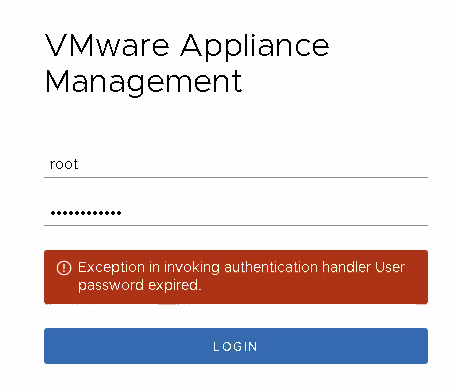
So a frequently upcomming issue at customers, is the password expiration of the root password. This is set by default for 90 days, and after 90 days, well people figure out that they cannot login. To solve this, simply make a SSH connection towards the vCenter or PSC. To access shell with root type: shell …read more →
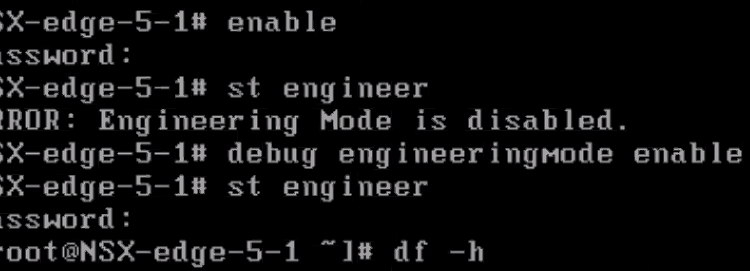
If you have ever tried to troubleshoot an NSX-v Management Appliance or Edge, you probably noticed that you are quite limited in the execution of your controls. That’s because in NSX-v you are standardly limited with most of the time only esxcli, even when you are logged in as admin. To get past that you …read more →