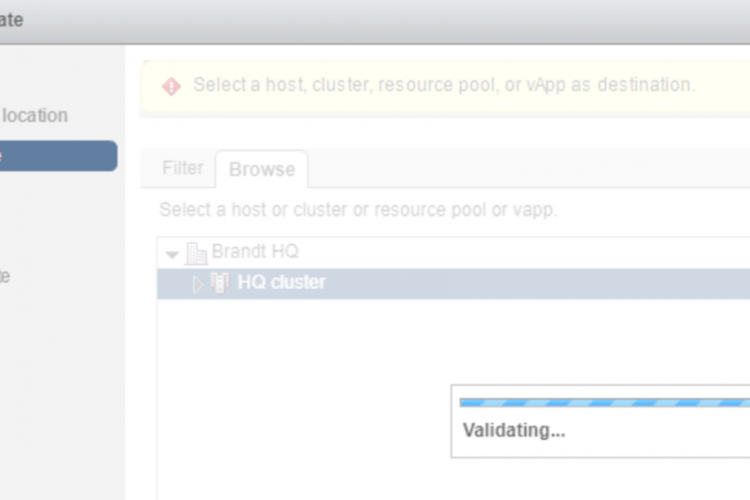
Issue At one customer I was deploying vRNI. For some reason, every time when I selected the ova file that I downloaded from VMware, it stayed stuck in the “Validating…” screen. This could take a long time and would eventually end up failing. Workaround In my case the problem seemed to be that I wasn’t …read more →
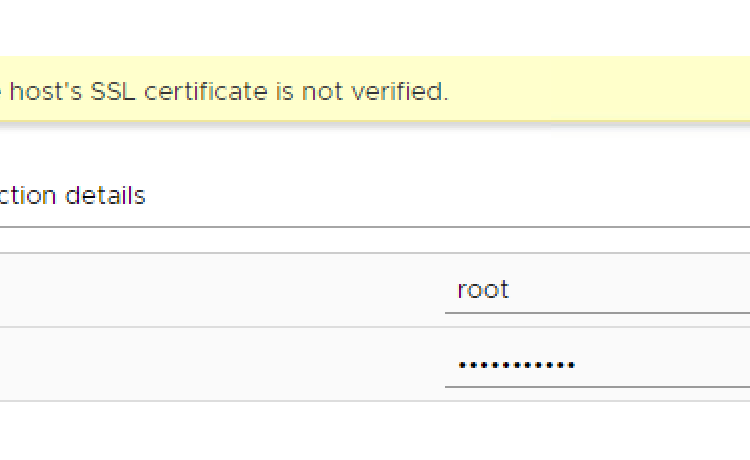
Intro One of my customers wanted to change the hostname of the ESXi host. In this case, the ESXi hostname stayed the same, but it needed to become part of a subdomain. Changing an ESXi hostname This can normally be easily done in the following way: Migrate VMs, offline VMs and templates of the host. …read more →
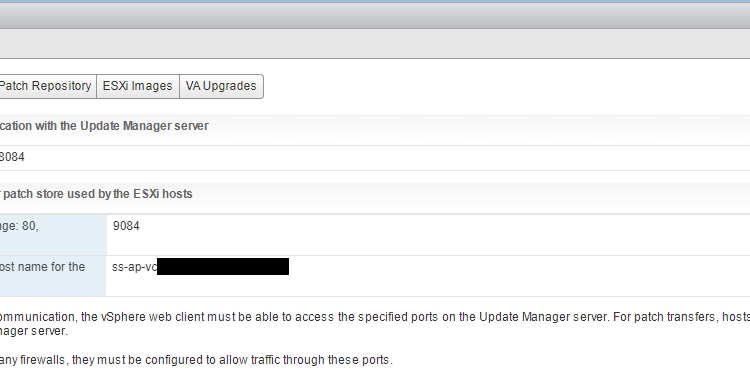
Setup: vCSA 6.5 with embedded VUM Intro: At one of my customers, I had a weird problem that one of the hosts couldn’t updated through VUM. Time to investigate. Error: “Host cannot download files from VMware vSphere Update Manager patch store. Check the network connectivity and firewall setup, and check esxupdate logs for details.” When …read more →
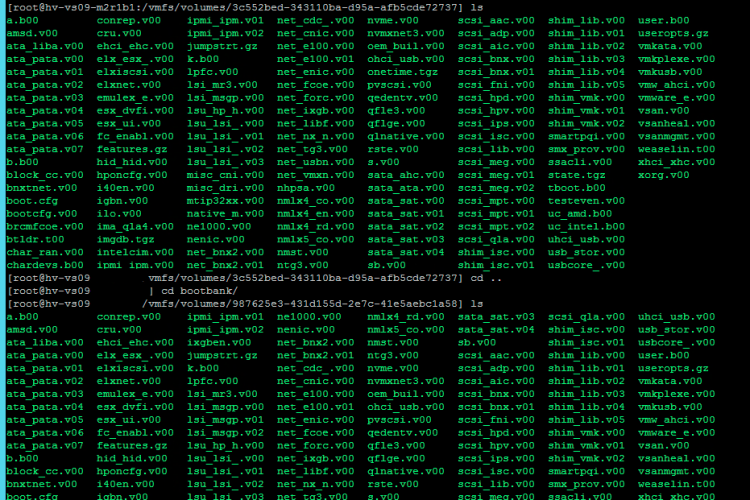
Upgrading and updating your ESXi hosts is necessary. Updates contain bug fixes, security updates, new features or improvements, and drivers. With VUM this can be quite easy. However, sometimes you want to rollback after an update. This was the case with one of my customer, who had a few hosts that were updated too far. …read more →
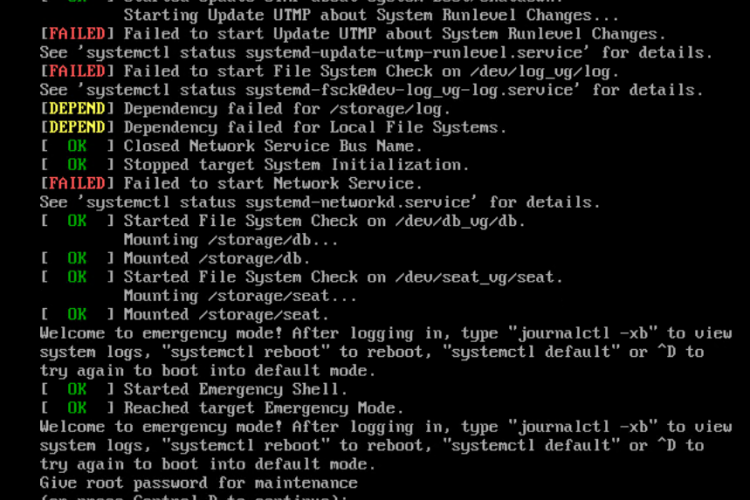
A customer of mine had some problems with a vCenter (vCSA 6.5) that didn’t want to boot up anymore. First thing I checked was if I could log in on the vCenter Appliance Management Interface (VAMI). Unfortunately both the webclient as VAMI was unresponsive. This was also the case with SSH. So the last thing …read more →
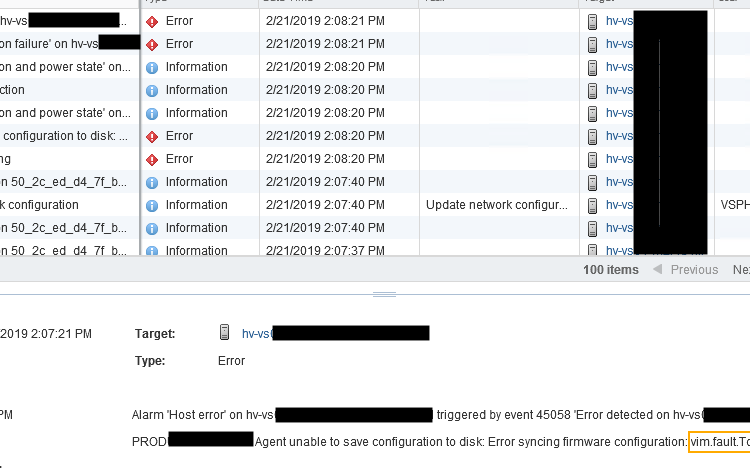
During a deployment of several ESXi hosts at a customer, I noticed that the new hosts were disconnecting every few minutes. When I checked the event error, it showed a lot of different errors and events, mostly about disconnection errors and connection failures. Which I found weird. Looking closer, the error message reads: “agent unable …read more →

I recently had a problem that one of my vCenters (vCSA 6.5) was constantly logging off any kind of user after a few minutes. Which would end up with the following error output: “Your vsphere Client session is no longer authenticated Please login again”. This even happend after 2 minutes whenever I was logged in. …read more →
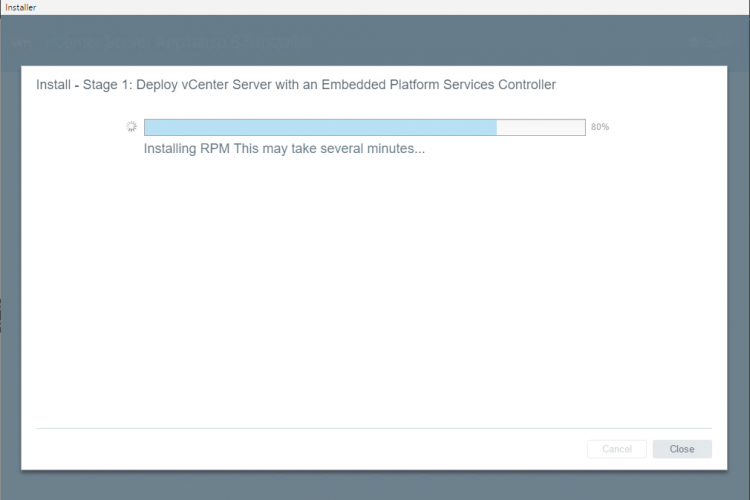
if you came across this post then you’ll probably had the problem that the vCenter installation became stuck around the 80%, with the text “Installing RPM This may take several minutes…”. Unfortunately, this doesn’t take minutes but several hours until it figures out that it got an issue and it just stops. Like this screen: …read more →
A while ago I started to make also some video’s to help people with certain problems. One of them was changing the language settings in Windows 10, but now I also made a V2V conversion video, since I could not find a video that explained more in-depth about all the different options that are possible or …read more →
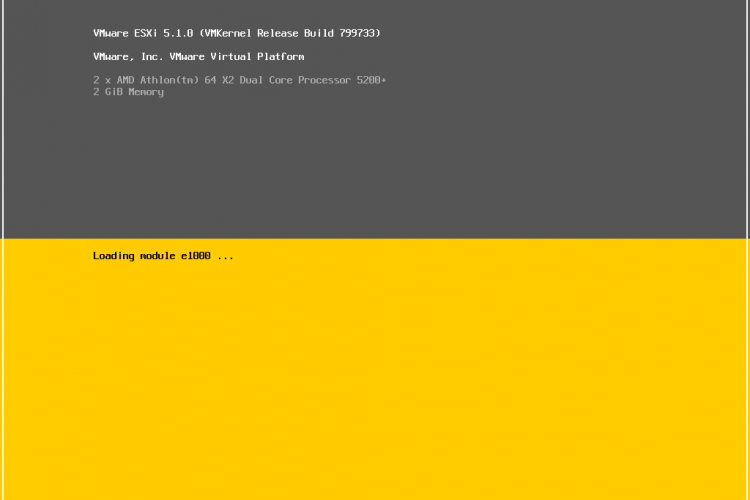
How to Install ESXi 5.x & 6.x The screenshots are of 5.1. but the setup is almost the same, if not the same to all versions up till 6.5. When you are installing an ESXi host, it is best to use an ISO file that comes directly from the official site of your manufacturing vendor, …read more →