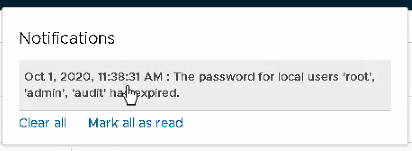
A colleague of my, had some troubles making an API call to the NSX-T Managers in a particular site. Looking closer into vRA we saw the following message: So we decided to log into one of the NSX-T managers, and we directly saw the following: Since the password was expired, we were asked to change …read more →
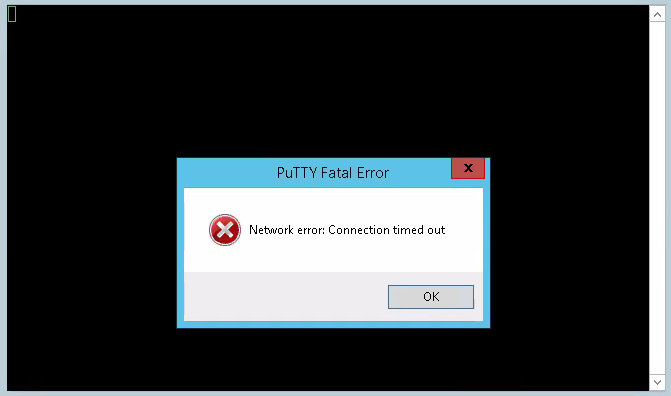
When trying to connect to a NSX-T manager node with SSH, it is possible that you get this message. That is because during the deployment of NSX-T, the SDDC-Manager doesn’t turn on SSH for the VMs. This can simply be changed by login in to the webconsole of the NSX-T manager, and turning on SSH …read more →
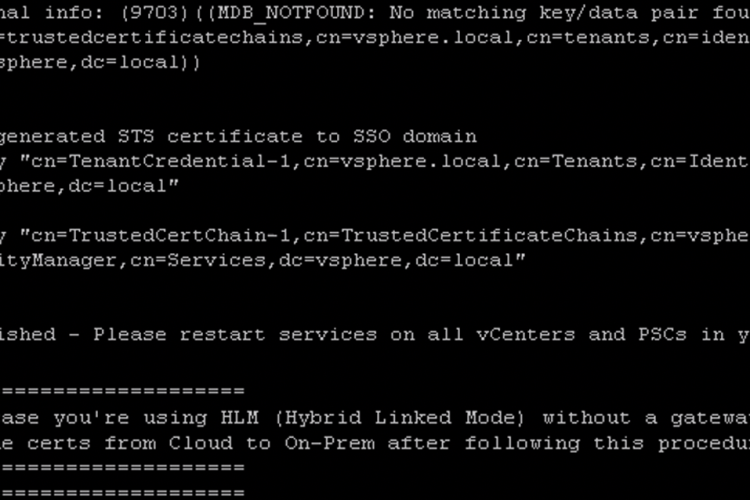
At a customer we got the notification in the vCenter that the certificate was almost expiring. However, the vCenter with version 6.7 was part of a vCF Deployment. Almost all the certificates are being managed by vCF, so when we checked the status, it didn’t seem that anything was expiring soon. However, the SSO STS …read more →
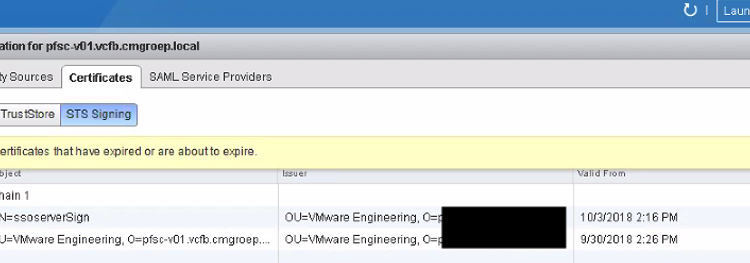
SSL Certificate almost Expired At a customer we got the notification in the vCenter that the certificate was almost expiring. When I checked the HTML client, I couldn’t find the SSL certificate that the warning was talking about. Looking deeper, I noticed that the SSO STS Certificate, which are standard issued by VMware and being …read more →
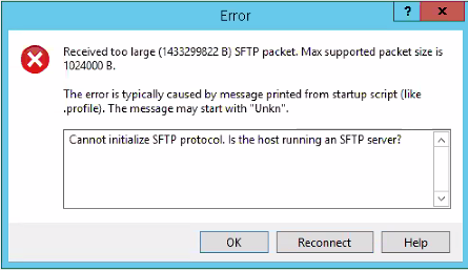
For a customer, I needed to upload a script towards the PSC, and my favourite tool for that is WinSCP. However, when trying to access, I got the following Error. The reason for this is that the default shell within the PSC, doesn’t allow access from the WinSCP. So we need to change default shell …read more →
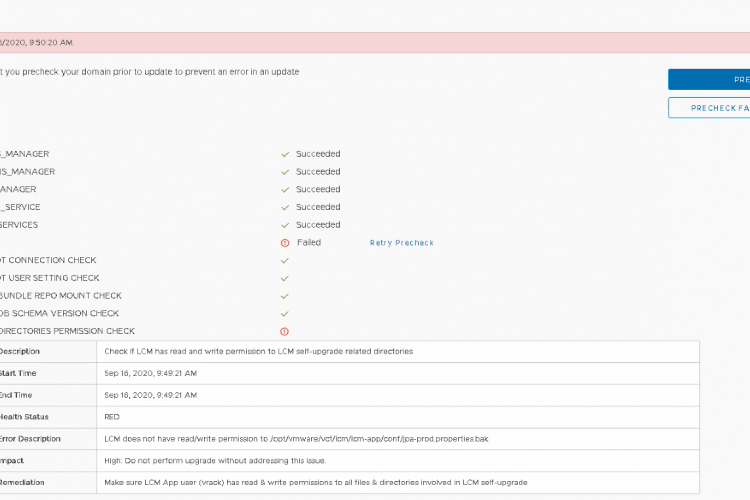
Problem Summary For a customer, I was doing the prechecks for his VCF environments, since we wanted to upgrade the environments from 3.9.1. to 3.10. Unfortunately the following error appeared on all 3 environments. Error Description: LCM does not have read/write permission to /opt/vmware/vcf/lcm/lcm-app/conf/jpa-prod.properties.bak Proposed Remediation: Make sure LCM App user (vrack) has read …read more →
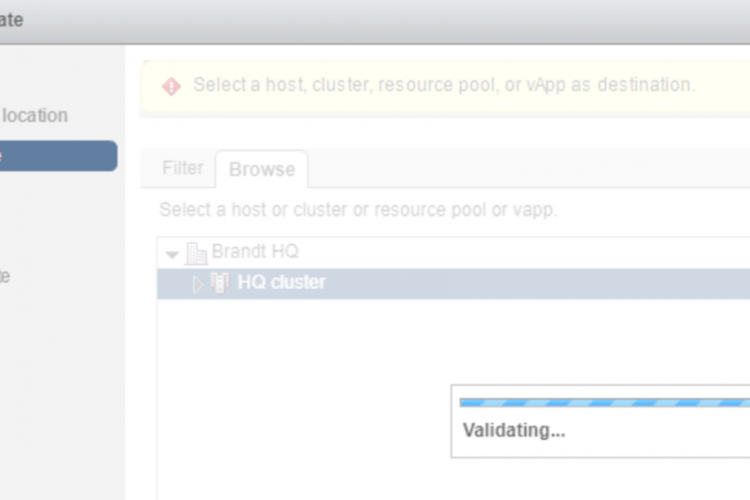
Issue At one customer I was deploying vRNI. For some reason, every time when I selected the ova file that I downloaded from VMware, it stayed stuck in the “Validating…” screen. This could take a long time and would eventually end up failing. Workaround In my case the problem seemed to be that I wasn’t …read more →
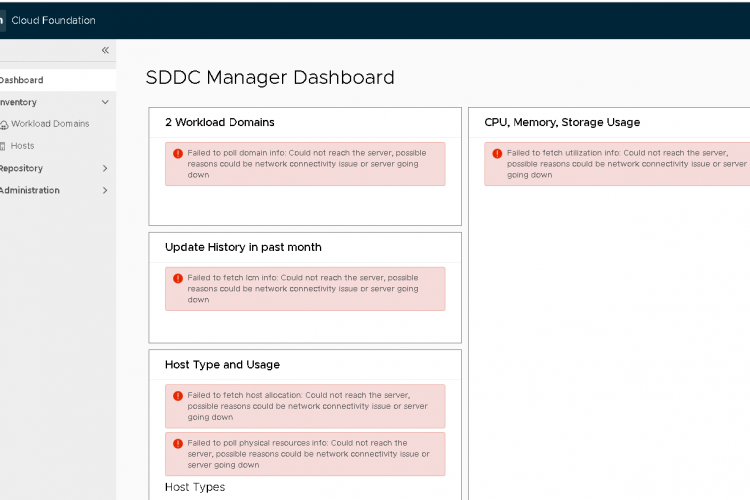
Intro So I made a separate post here, that lists up all the different reasons why this issue could arise. However, the issue described here is more and less a known issue for the upgrade of the SDDC Manager from version 3.7.2. to version 3.8. This didn’t happen at our first site were the SDDC …read more →
Intro During the different upgrades of vCF, one issues came several times back within the SDDC Manager. Which is that the SDDC Manager is unable to show any kind of information or data within the web UI. General Reason for failing So there can be several different reasons and scenario’s why this is happening. However, …read more →
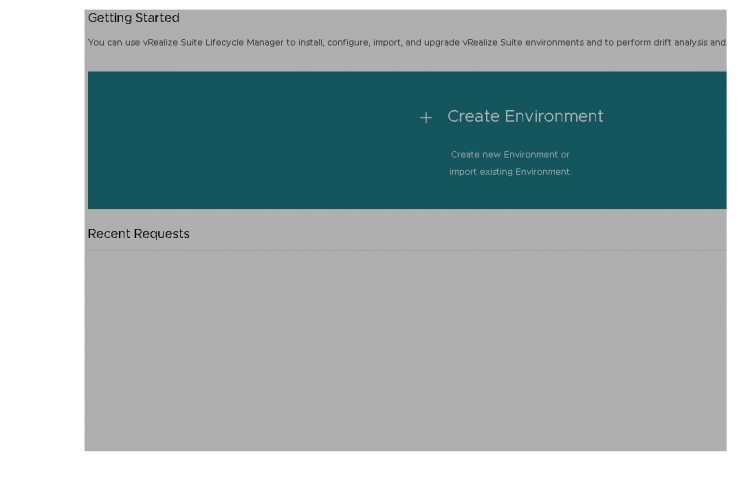
Issue For my customer I upgraded the vRSLCM from version 1.2 to version 2.0 which is in the BOM of vCF 3.5. During the upgrade I had several issues, but we solved it. However, after a successful upgrade, the home Page with all the environments was blank. At first I was afraid that this was …read more →