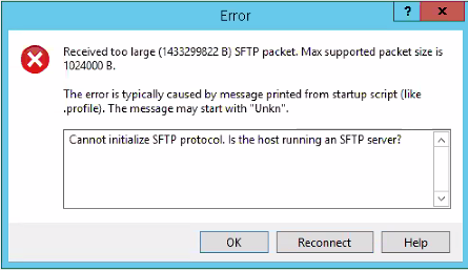
For a customer, I needed to upload a script towards the PSC, and my favourite tool for that is WinSCP. However, when trying to access, I got the following Error. The reason for this is that the default shell within the PSC, doesn’t allow access from the WinSCP. So we need to change default shell …read more →
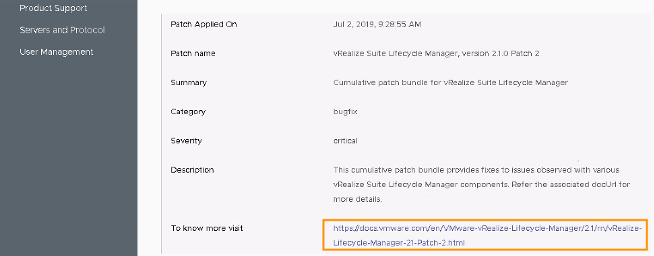
For a customer I needed to patch the vRSLCM suite. Which is quite easy if you know where to look for. Before you start, just make sure that you have made a snapshot of the vRSLCM. First Go to: Settings System Administration Update We first start to update the support Pack, which is as …read more →
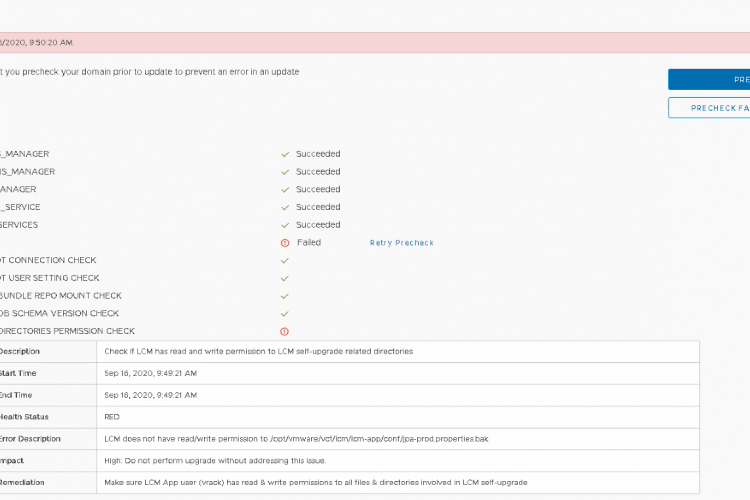
Problem Summary For a customer, I was doing the prechecks for his VCF environments, since we wanted to upgrade the environments from 3.9.1. to 3.10. Unfortunately the following error appeared on all 3 environments. Error Description: LCM does not have read/write permission to /opt/vmware/vcf/lcm/lcm-app/conf/jpa-prod.properties.bak Proposed Remediation: Make sure LCM App user (vrack) has read …read more →
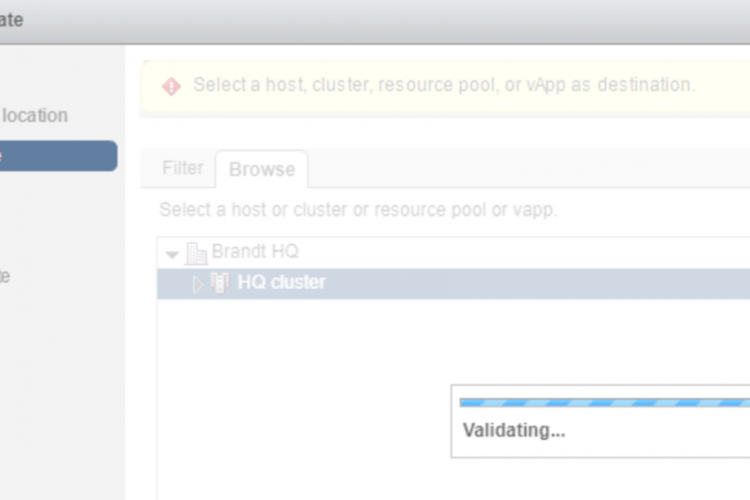
Issue At one customer I was deploying vRNI. For some reason, every time when I selected the ova file that I downloaded from VMware, it stayed stuck in the “Validating…” screen. This could take a long time and would eventually end up failing. Workaround In my case the problem seemed to be that I wasn’t …read more →
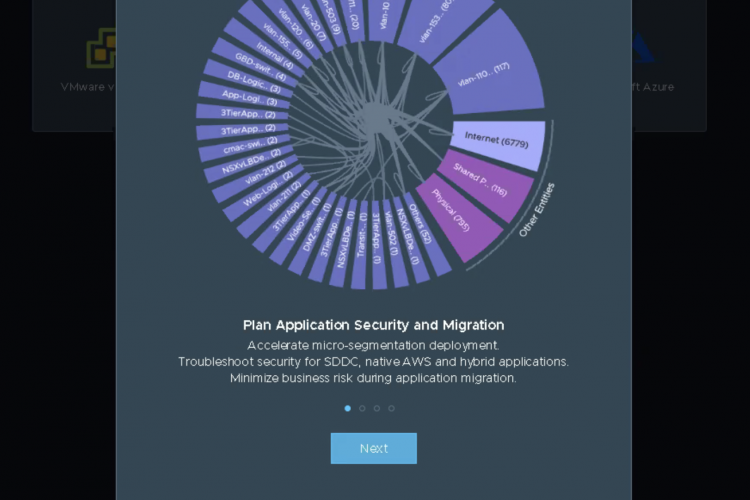
Intro For a customer we deployed vRealize Network Insight (vRNI) 5.1 on their VMware Cloud Foundation Platform (vcf). Currently vRNI is not part of the automatic deployment of vcf or even part of the Lifecycle Manager of the vRealize Suite. So, currently it needs to be manually installed and upgraded like a normal vSphere product, …read more →

Intro Last blogpost we started with the question “should we move towards VMC on AWS, or not”. We made a quick recap of what VMC on AWS can offer, and some of the considerations you should have regarding the design or when you are moving towards the cloud. We didn’t go fully in-depth into some …read more →
Intro The past few years, cloud platforms and cloud services have been intensely hyped as the best next thing. With a diverse and growing number of cloud offerings, we got more options than ever before, and more solutions that can help IT and businesses in a new way. At the same time, more and more …read more →
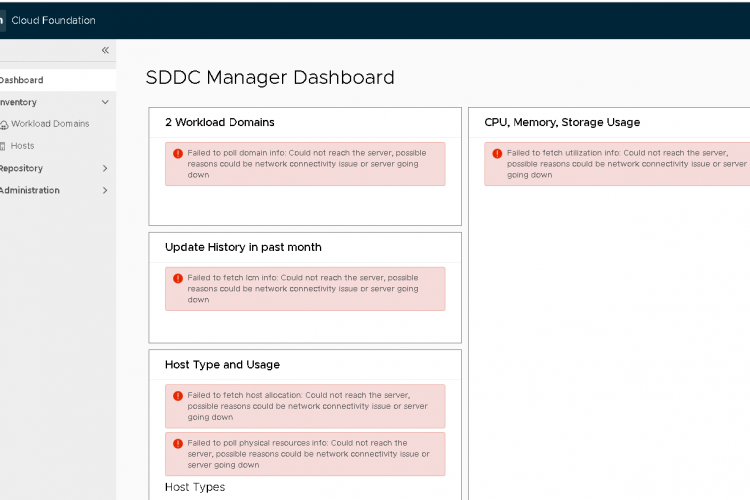
Intro So I made a separate post here, that lists up all the different reasons why this issue could arise. However, the issue described here is more and less a known issue for the upgrade of the SDDC Manager from version 3.7.2. to version 3.8. This didn’t happen at our first site were the SDDC …read more →
Intro During the different upgrades of vCF, one issues came several times back within the SDDC Manager. Which is that the SDDC Manager is unable to show any kind of information or data within the web UI. General Reason for failing So there can be several different reasons and scenario’s why this is happening. However, …read more →
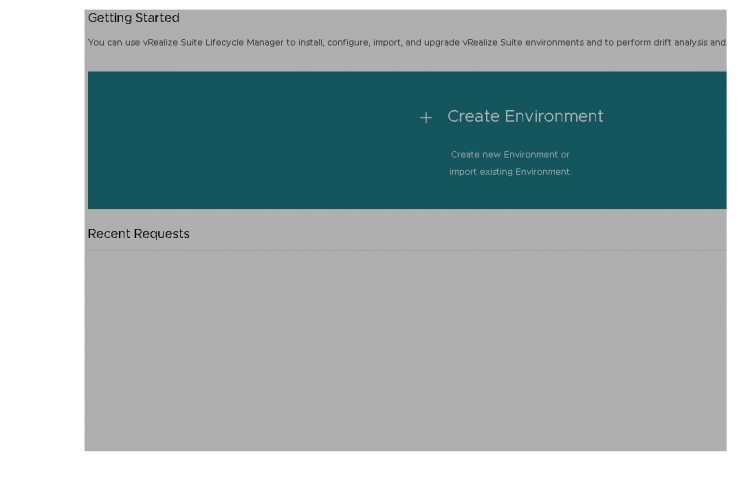
Issue For my customer I upgraded the vRSLCM from version 1.2 to version 2.0 which is in the BOM of vCF 3.5. During the upgrade I had several issues, but we solved it. However, after a successful upgrade, the home Page with all the environments was blank. At first I was afraid that this was …read more →