
Final Conclusion Like I said in the beginning of the blogpost series, Life Cycle & Patch Management is a difficult topic. Which can become a big headache when there are so many dependencies within the environment, especially if it hasn’t been maintained for a while. The bigger the Jump, the more difficult it gets. Therefore, …read more →
Intro We’ve viewed the different tools that help to manage a HPE stack and if and how we could integrate VUM with this. We also discussed that consistency with virtualization & infrastructure is one of the most important things for having reliable operations, and that you need some sort of reporting tool that can give …read more →
Intro We’ve viewed the different tools that help to manage a HPE stack and if and how we could integrate VUM with this. During the project and our research, we found out that it is really difficult to see if the VIBs that are being deployed, are consistent with all the ESXi hosts of the …read more →

Intro Life Cycle & Patch Management, can be achieved with different tools and methods with HPE and VMware. However, the number of available tools that can be used for LCM, can make it quite confusing of how and when these tools should be used. Especially when you install the CIM agent on the ESXi host, …read more →
Intro Life Cycle & Patch Management within organizations can be a difficult topic. Mostly because of the broad set of software and hardware that can and should be included in a Life Cycle & Patch Management strategy. Still, due to the constantly changing landscape within the IT, this becomes more and more important. Security breaches …read more →
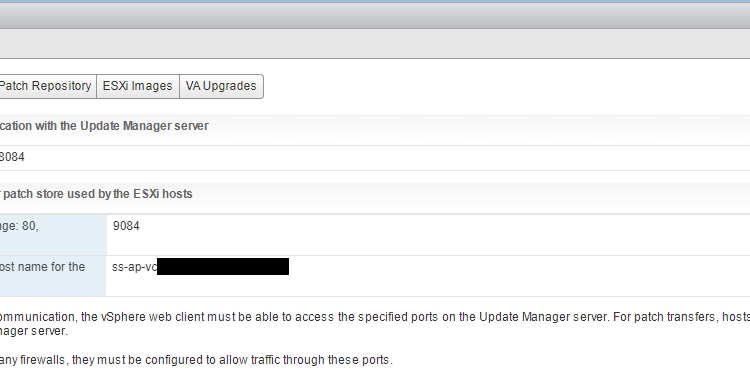
Setup: vCSA 6.5 with embedded VUM Intro: At one of my customers, I had a weird problem that one of the hosts couldn’t updated through VUM. Time to investigate. Error: “Host cannot download files from VMware vSphere Update Manager patch store. Check the network connectivity and firewall setup, and check esxupdate logs for details.” When …read more →
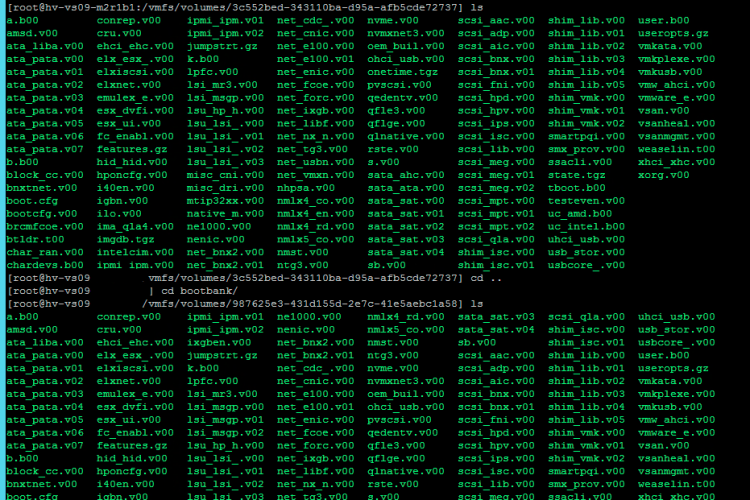
Upgrading and updating your ESXi hosts is necessary. Updates contain bug fixes, security updates, new features or improvements, and drivers. With VUM this can be quite easy. However, sometimes you want to rollback after an update. This was the case with one of my customer, who had a few hosts that were updated too far. …read more →
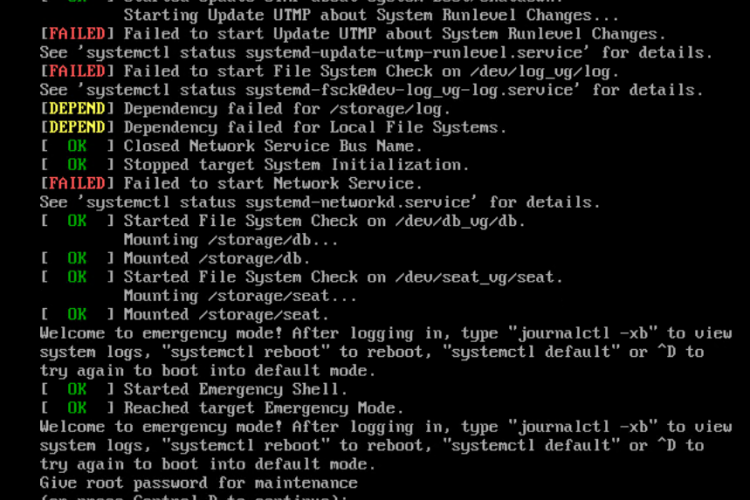
A customer of mine had some problems with a vCenter (vCSA 6.5) that didn’t want to boot up anymore. First thing I checked was if I could log in on the vCenter Appliance Management Interface (VAMI). Unfortunately both the webclient as VAMI was unresponsive. This was also the case with SSH. So the last thing …read more →
Intro For one issue (documented here), I had to reinstall the VMware tools on a Windows VM. After the reinstall, the screen resolution looked kinda weird. I had one of the highest Resolution on a Retina Display. But since it was so zoomed out, I couldn’t say that I was enjoying the high resolution. Adjusting …read more →
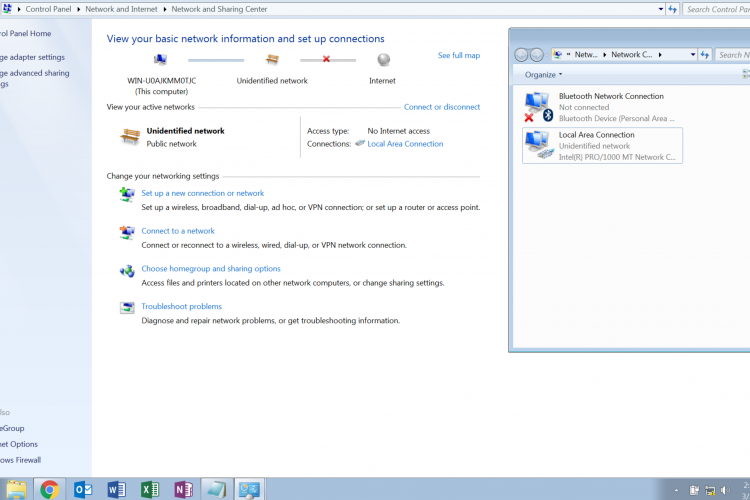
Recently I had a weird issue that a Windows 7 virtual machine on VMware Fusion (10.1) wasn’t able to make any network connections. After doing all the basic checks (NAT configured, Windows Firewall, Network adapter connected in VM) I didn’t had a clue what was causing the issue. Still, the problem looked like an issue …read more →