
Intro The second day of VMware Explore Singapore has passed, and what a blast it was. For me it was also a different type of day then the first day. The first day of VMware Explore I went into a lot of different sessions and participated in a lot of challenges and labs. Today however, …read more →
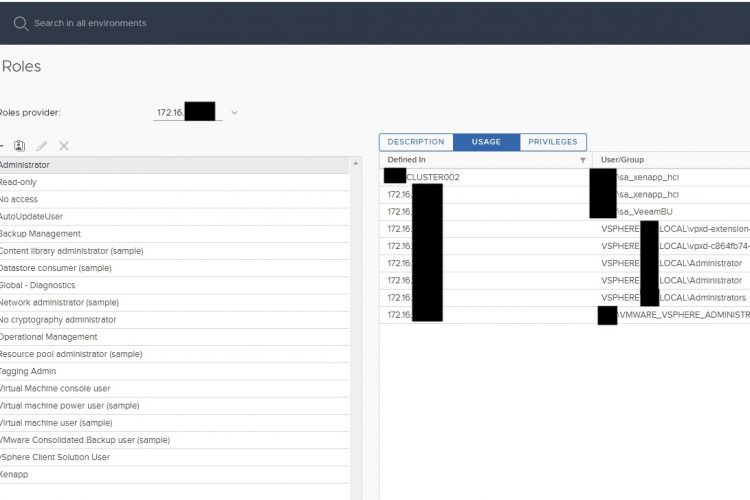
Intro For one of my customers I looked at a content library (permissions) problem which they have been dealing with for some time. The problem that the customer had was that the vCenter reported that the account(s) had not enough rights to deploy in the resource, whenever a template was chosen in the content library. …read more →
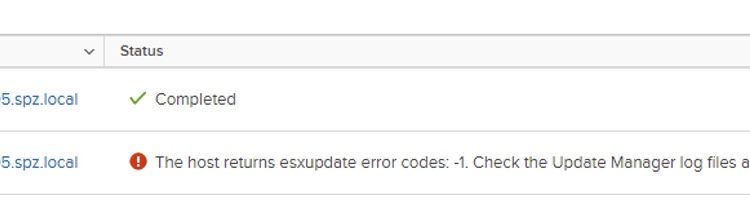
Intro So this is going to be a quick blogpost. I often find myself in the situation that I need to update something within VMware. VMware Update Manager (VUM) of course seems to be the best solution for this. However, often I found myself also in the situation that VUM just doesn’t work and for …read more →
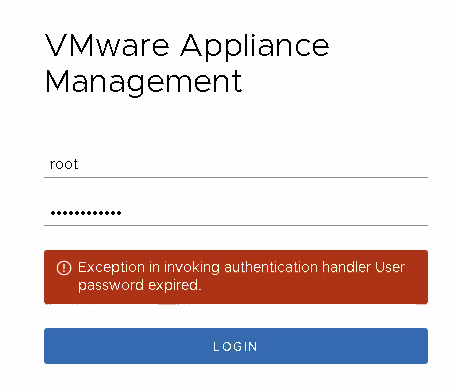
So a frequently upcomming issue at customers, is the password expiration of the root password. This is set by default for 90 days, and after 90 days, well people figure out that they cannot login. To solve this, simply make a SSH connection towards the vCenter or PSC. To access shell with root type: shell …read more →
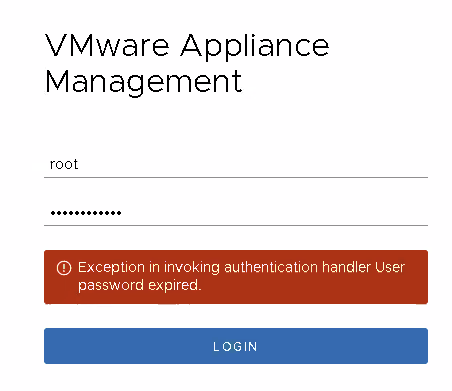
So a frequently upcomming issue at customers, is the password expiration of the root password. This is set by default for 90 days, and after 90 days, well people figure out that they cannot login. To solve this. Simply make a SSH connection towards the vCenter or PSC. Type in shell to access shell with …read more →
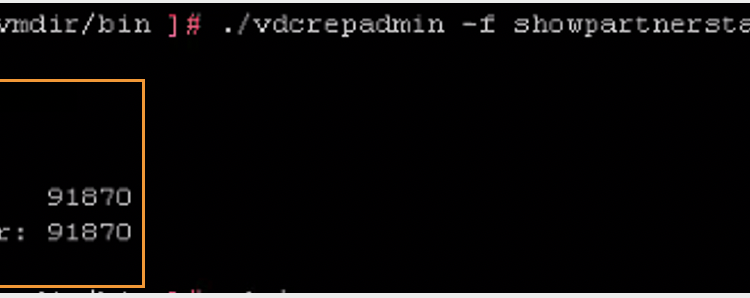
For a customer I was replacing the SSO/STS certificates, after the change wanted to make sure if the PSCs were still replicating the information between each other. To simply check this Type the command: ./vdcrepadmin -f showpartnerstatus -h localhost -u administrator You can see who the partner is of the PSC, and how much changes …read more →
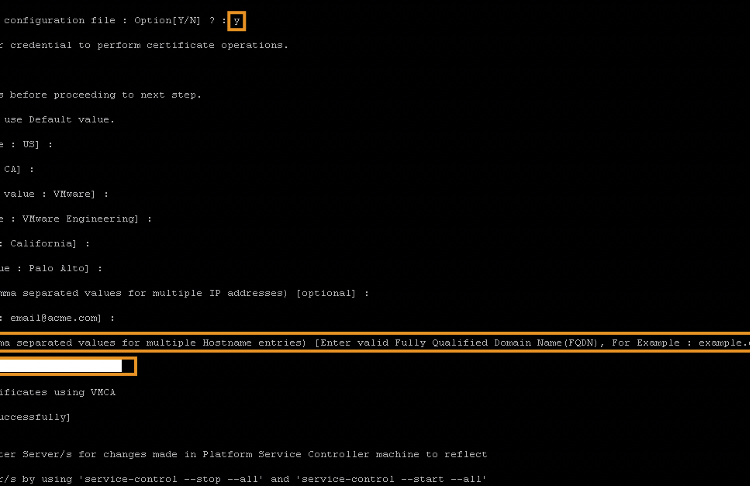
Intro At a customer we got the notification in the vCenter that the certificate was almost expiring. This was about the SSO/STS certificate. Later we found out that also the machine certificates were expiring on each PSC and vCenter that were deployed 2 years earlier. This post will focus on the renewal of the Machine …read more →
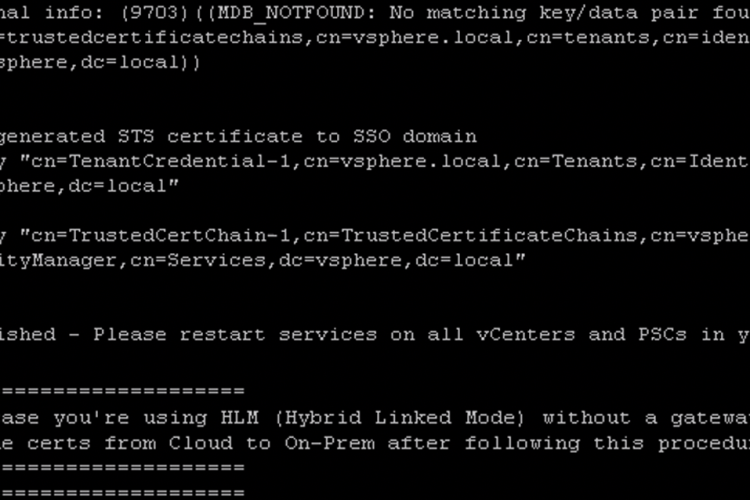
At a customer we got the notification in the vCenter that the certificate was almost expiring. However, the vCenter with version 6.7 was part of a vCF Deployment. Almost all the certificates are being managed by vCF, so when we checked the status, it didn’t seem that anything was expiring soon. However, the SSO STS …read more →
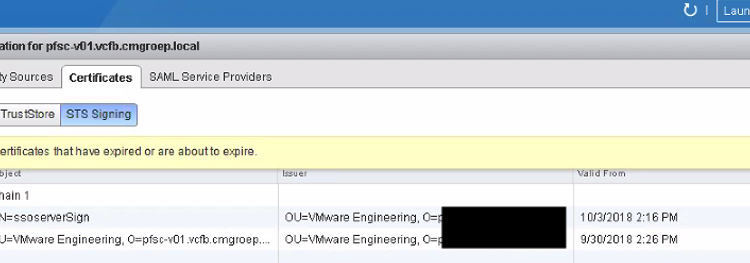
SSL Certificate almost Expired At a customer we got the notification in the vCenter that the certificate was almost expiring. When I checked the HTML client, I couldn’t find the SSL certificate that the warning was talking about. Looking deeper, I noticed that the SSO STS Certificate, which are standard issued by VMware and being …read more →
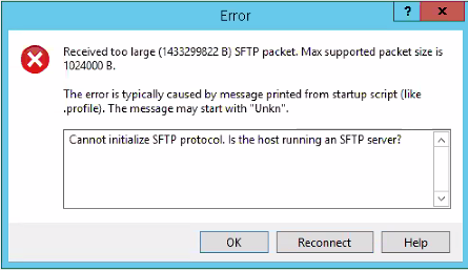
For a customer, I needed to upload a script towards the PSC, and my favourite tool for that is WinSCP. However, when trying to access, I got the following Error. The reason for this is that the default shell within the PSC, doesn’t allow access from the WinSCP. So we need to change default shell …read more →